Disconnected schedules
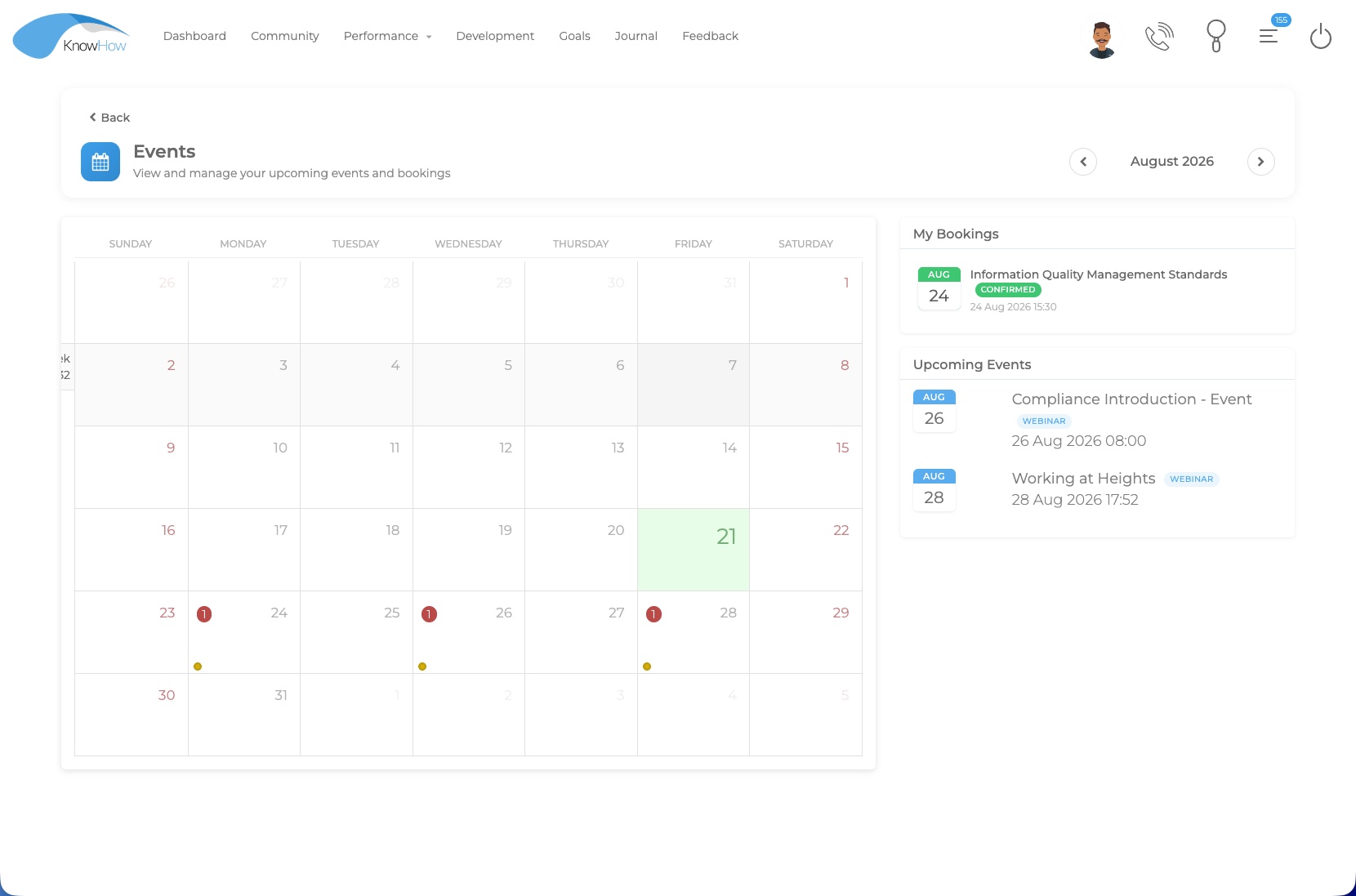
Learners need one clear place to see upcoming events alongside the rest of their learning activity.

Platform capability / Events & Blended Learning
KnowHow helps organisations plan and coordinate events alongside digital learning, manage participation and capacity, support live or virtual delivery, and extend the value of recorded sessions through the wider learner journey.
The blended-learning challenge
When bookings, virtual sessions, digital preparation and follow-up activity are handled separately, the learner experience becomes harder to navigate and administration becomes more fragmented.
Learners need one clear place to see upcoming events alongside the rest of their learning activity.
Learning teams need practical ways to coordinate event activity without creating another isolated administration process.
Preparation, feedback and post-event learning are more useful when they remain connected to the event that triggered them.
A connected event journey
KnowHow can connect the key moments around an event so live and virtual activity becomes part of a wider development experience rather than a standalone calendar entry.
Set up classroom, virtual or open event activity within the wider learning journey.
Support invitations, self-registration and booking responses where configured.
Use capacity limits, waiting lists, approvals and notifications around participation.
Connect pre-event learning, reminders and calendar information where required.
Support live or virtual delivery, facilitator access and attendance capture.
Upload recordings, distribute catch-up content and connect evaluation or follow-up learning.
The learner event experience
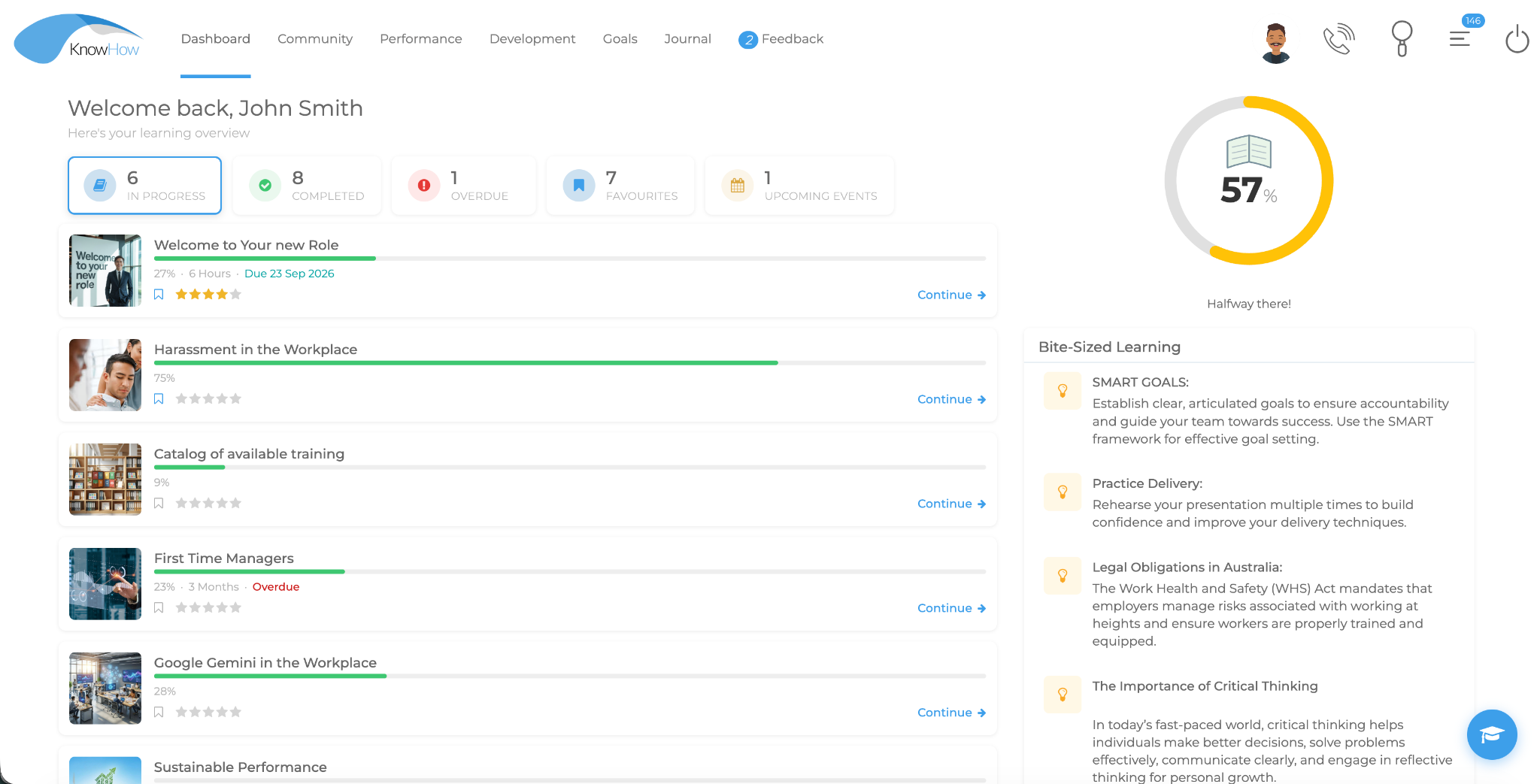
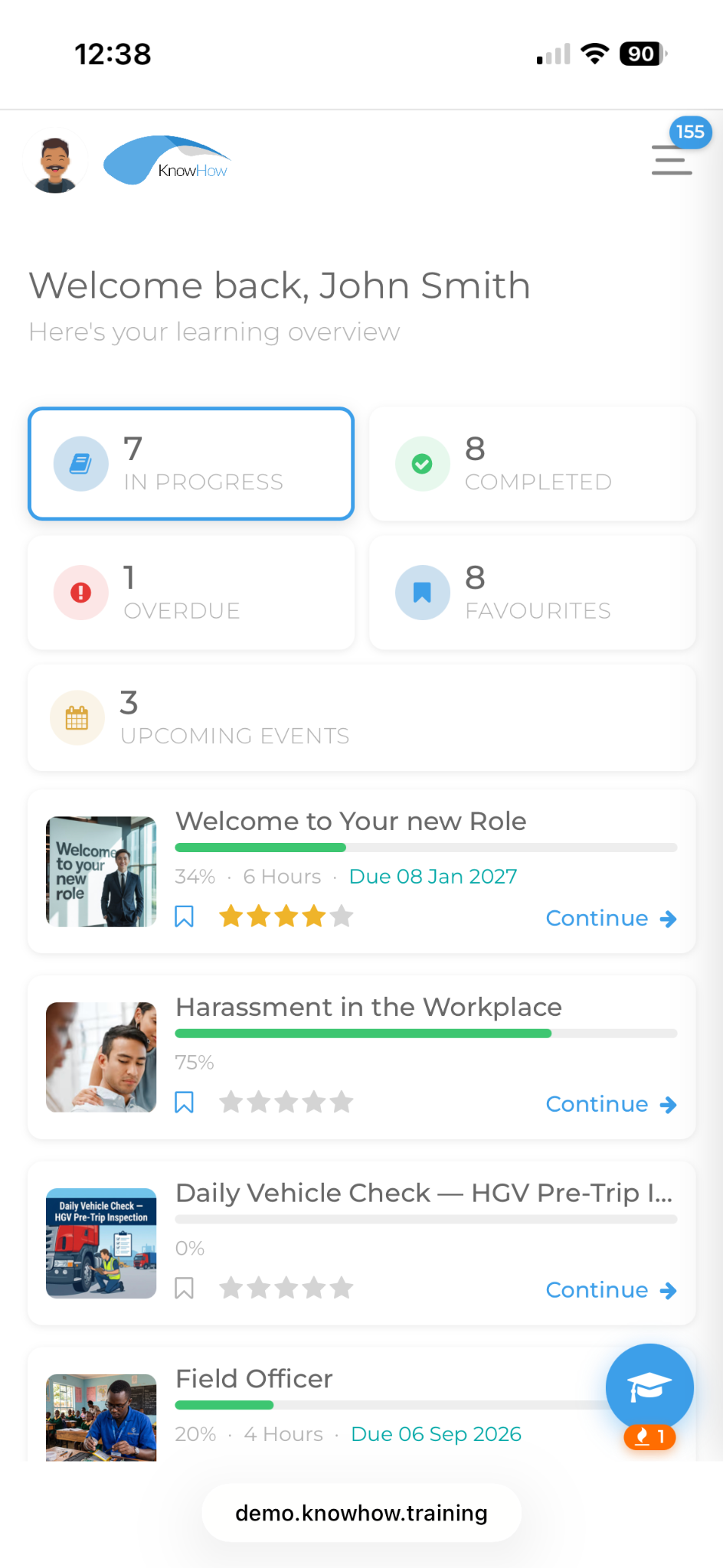
The Events experience can sit alongside the learner’s wider KnowHow journey, helping people see upcoming activity and their own bookings in context.
Manage participation
KnowHow can support the operational details around an event while keeping the learner, manager and programme context connected.
CAPACITY
Set limits for events with restricted places. Once capacity is reached, additional learners can join a waiting list instead of simply being blocked.
BOOKING
Support event invitations, acceptance or decline responses, RSVP timing and open/self-registration approaches where configured.
APPROVALS
Where the event process requires it, participation can include manager approval and relevant manager or HR notifications.
CALENDAR
Keep scheduled activity visible through event information, reminders and calendar-file support where used.
ATTENDANCE
Record participation against the event so attendance can remain part of the wider learner and reporting context.
FACILITATION
Provide relevant facilitator access to event information and activity according to the configured programme and permissions.
When a place becomes available after a cancellation, a learner on the waiting list can receive a further invitation advising that a place is now available.
Blend the experience
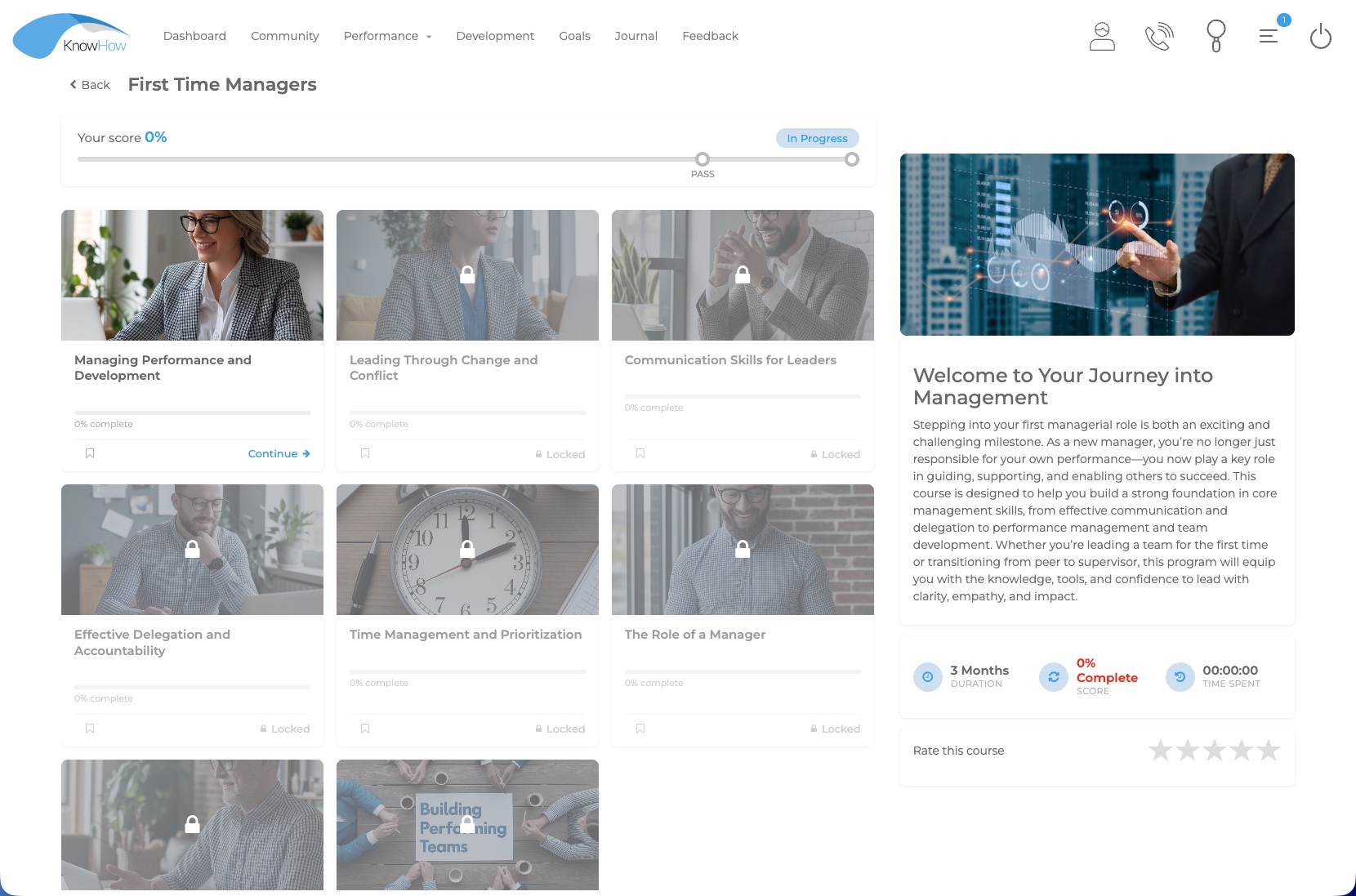
Events become more valuable when preparation, live delivery, feedback and follow-up activity can sit within the same learning environment.
BEFORE
Use digital learning or programme activity to support readiness before a live or virtual session.
DURING
Bring scheduled learning into the wider development journey, with Teams or Zoom integration available where configured.
AFTER
Use feedback, evaluations or follow-up learning so the development experience does not end when the session finishes.
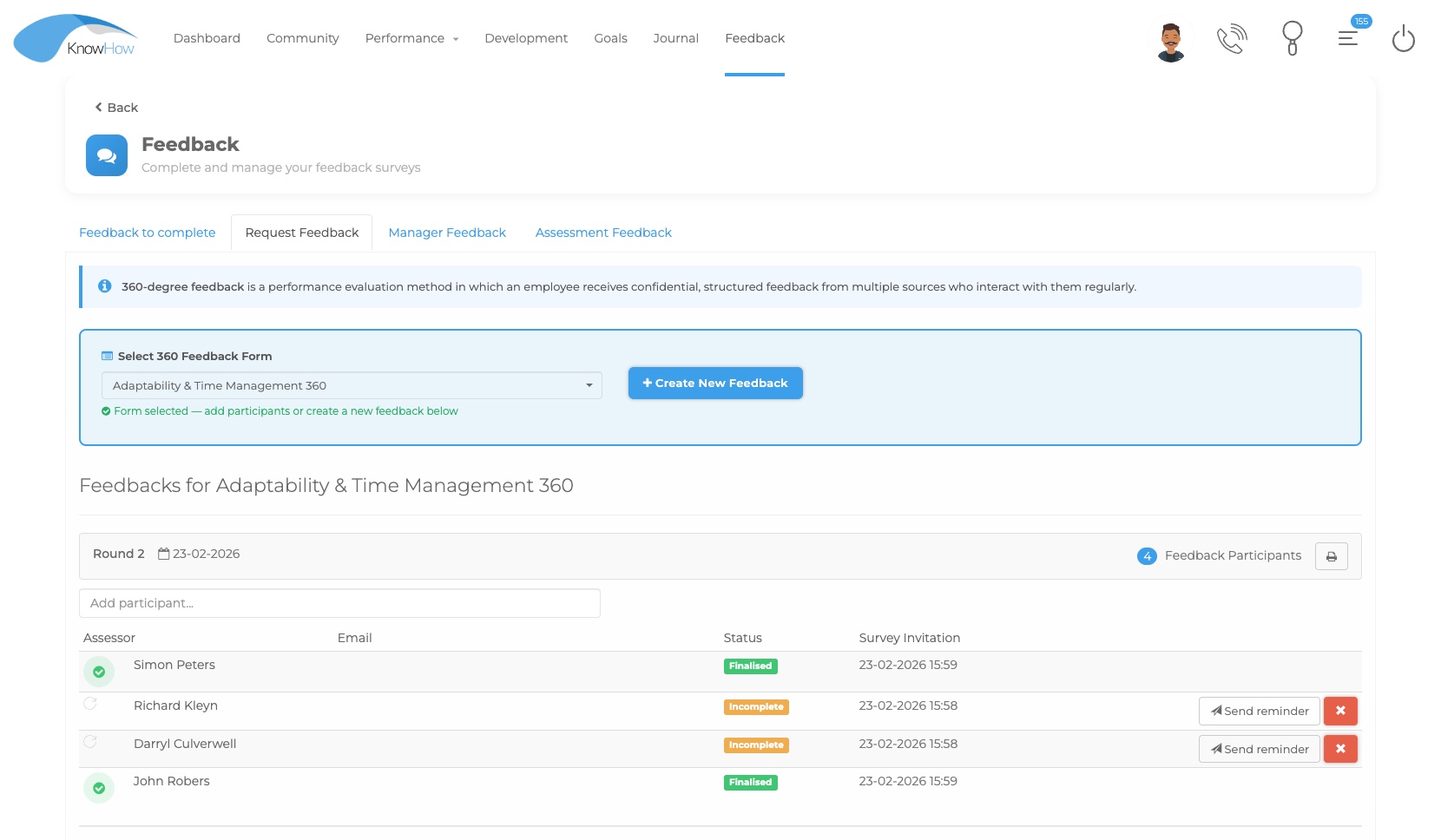
Live + virtual delivery
KnowHow can support classroom, live and virtual learning alongside digital activity. Virtual delivery options can include Microsoft Teams, Zoom or Google Meet depending on the organisation’s configured integration scope, while the wider event and learning context remains visible through the platform.
One event contextKeep event information and wider learning activity together.
Flexible deliverySupport in-person, virtual and blended approaches according to programme needs.
Connected follow-upLink evaluations and related learning after the event.
Reuse the live experience
A recording of a completed event can be uploaded back to the Event in KnowHow and made available to learners who were not able to attend. This helps turn a one-time session into reusable on-demand learning while keeping the content connected to the original event context.
Run the live or virtual session and retain the recording where appropriate.
Add the recording back to the relevant KnowHow Event so it stays connected to the programme.
Make the recording available to people who could not attend and connect any related evaluation or follow-up learning.
Coordinate the programme
KnowHow’s wider course and learning administration provides the context around event-based learning, helping organisations structure related activity, users and programme requirements.
Place events within wider courses or Learning Paths where appropriate.
Direct relevant activity according to roles, structures and learning requirements.
Use platform communications to support upcoming event and learning activity.
Configure manager approval, booking responses and participation rules where required.
Support facilitator access and attendance handling within the configured event process.
Connect evaluations, recordings, assessments or additional learning to the event journey.
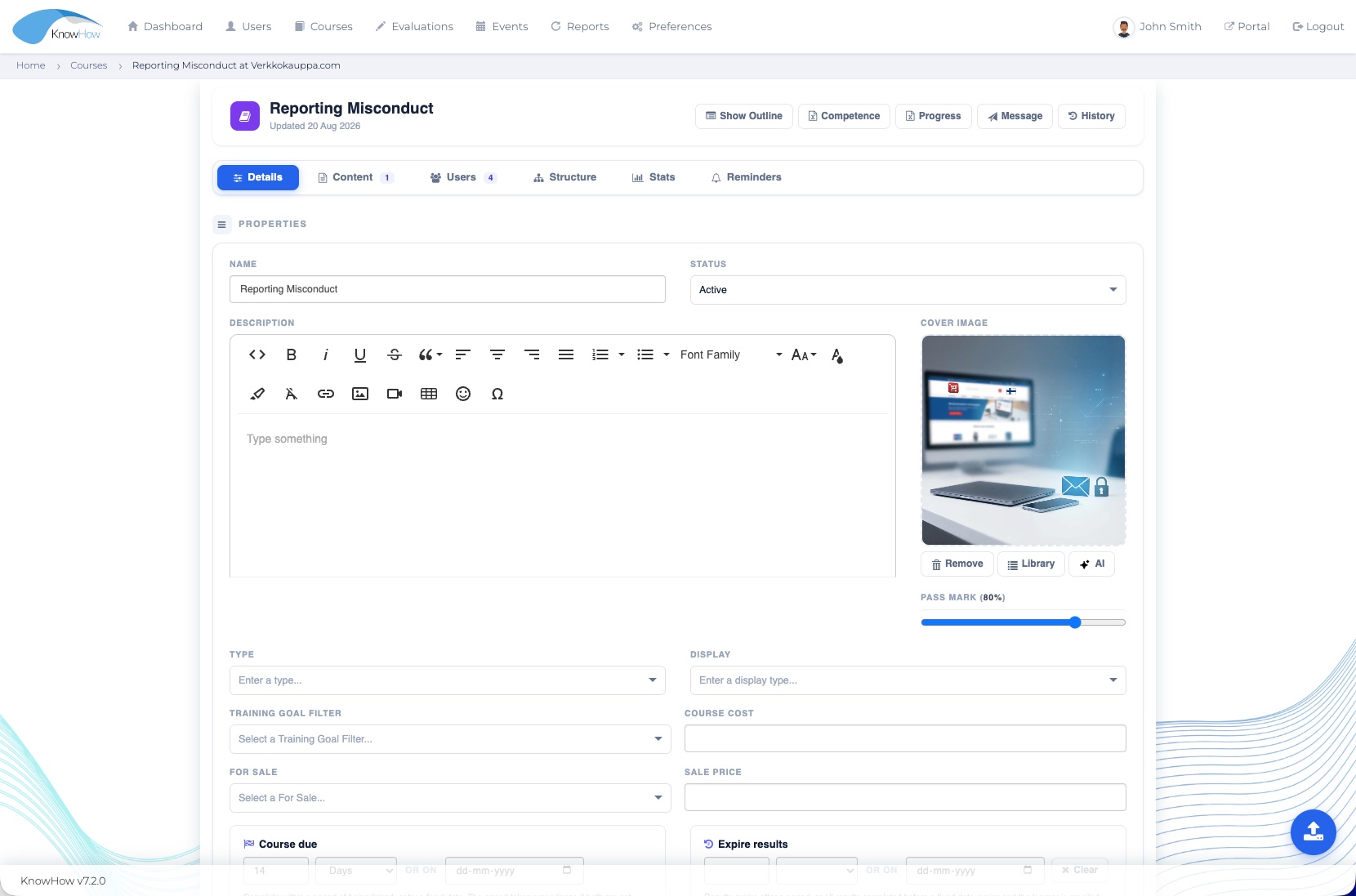
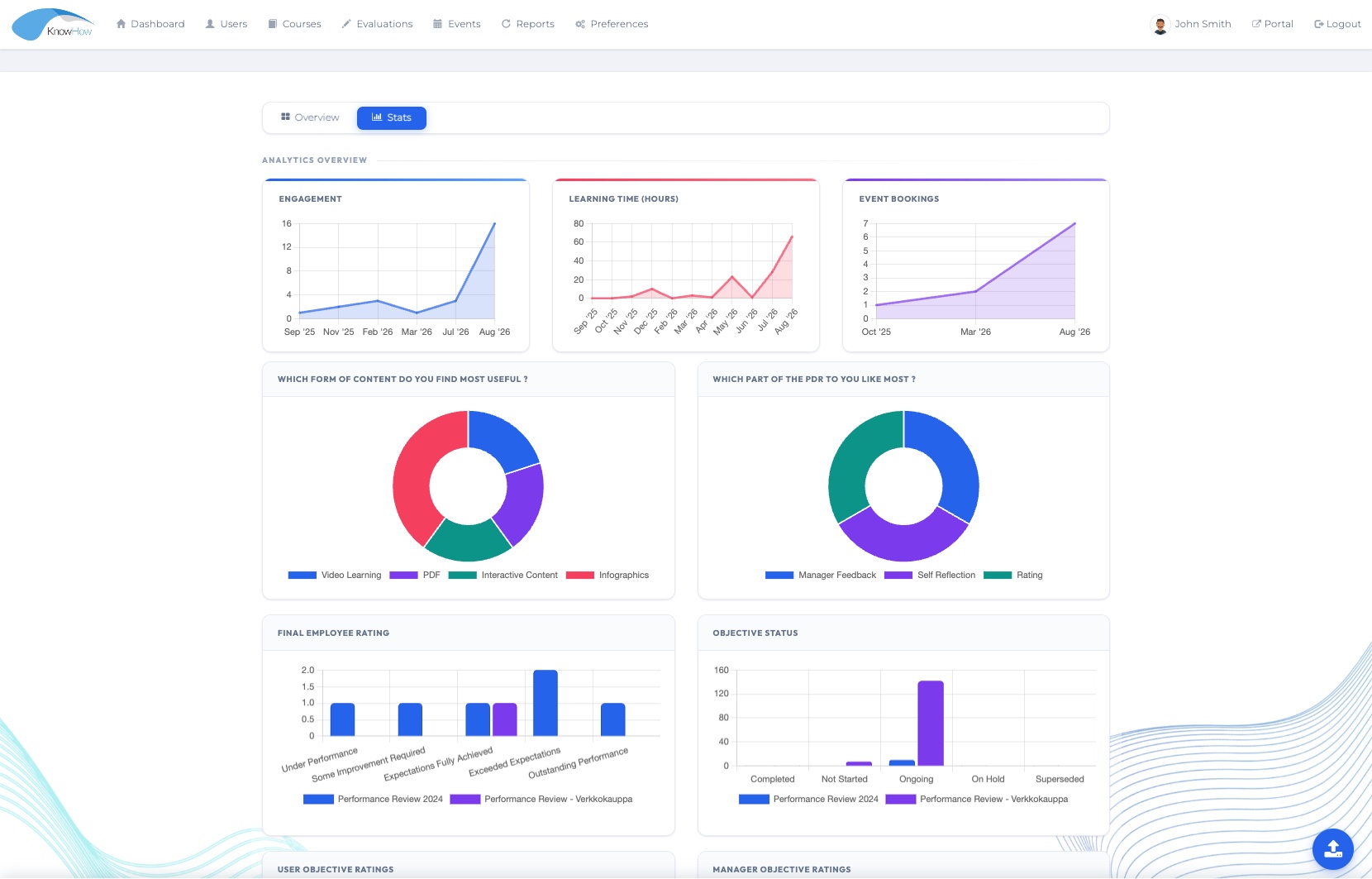
Visibility after the event
Reporting can bring event-related learning into the wider organisational view alongside digital learning, performance and development activity.
Events in context
Events & Blended Learning becomes more useful when the programme can connect to structured learning, feedback and wider reporting.
LEARN
Place events within broader courses, Learning Paths and required learning journeys.
Explore Learning →RESPOND
Gather feedback or evaluate learning as part of the wider event experience.
Explore Evaluations →UNDERSTAND
Bring event-related learning into a broader organisational view.
Explore Insight →Designed for practical delivery
See Events & Blended Learning in your context
We’ll tailor the conversation around your event journey, capacity and booking rules, learner experience, delivery requirements, attendance and follow-up or recording reuse.