Structures that do not fit
Generic user groups can make it difficult to reflect real companies, teams, roles, reporting lines and administration responsibilities.

Platform foundation / Configuration, Integrations & Administration
Start with the organisational structure, permissions and workflows you need now. Add branding, data fields, SSO or integrations where they support your operating model.
The configuration challenge
The aim is a practical fit: enough flexibility for your organisational structure, permissions and workflows, with integrations added only where they are useful.
Generic user groups can make it difficult to reflect real companies, teams, roles, reporting lines and administration responsibilities.
Employees, managers, HR and administrators need different actions and information — not one undifferentiated view of the platform.
SSO and data exchange can be added where they simplify access or administration, with the approach confirmed around the systems you actually use.
One configurable foundation
Shared structures, permissions and data context can support learning, performance, skills, events, evaluations and reporting without requiring every capability from day one.
Define the companies, groups, roles, fields and organisational relationships needed for the capabilities you are using.
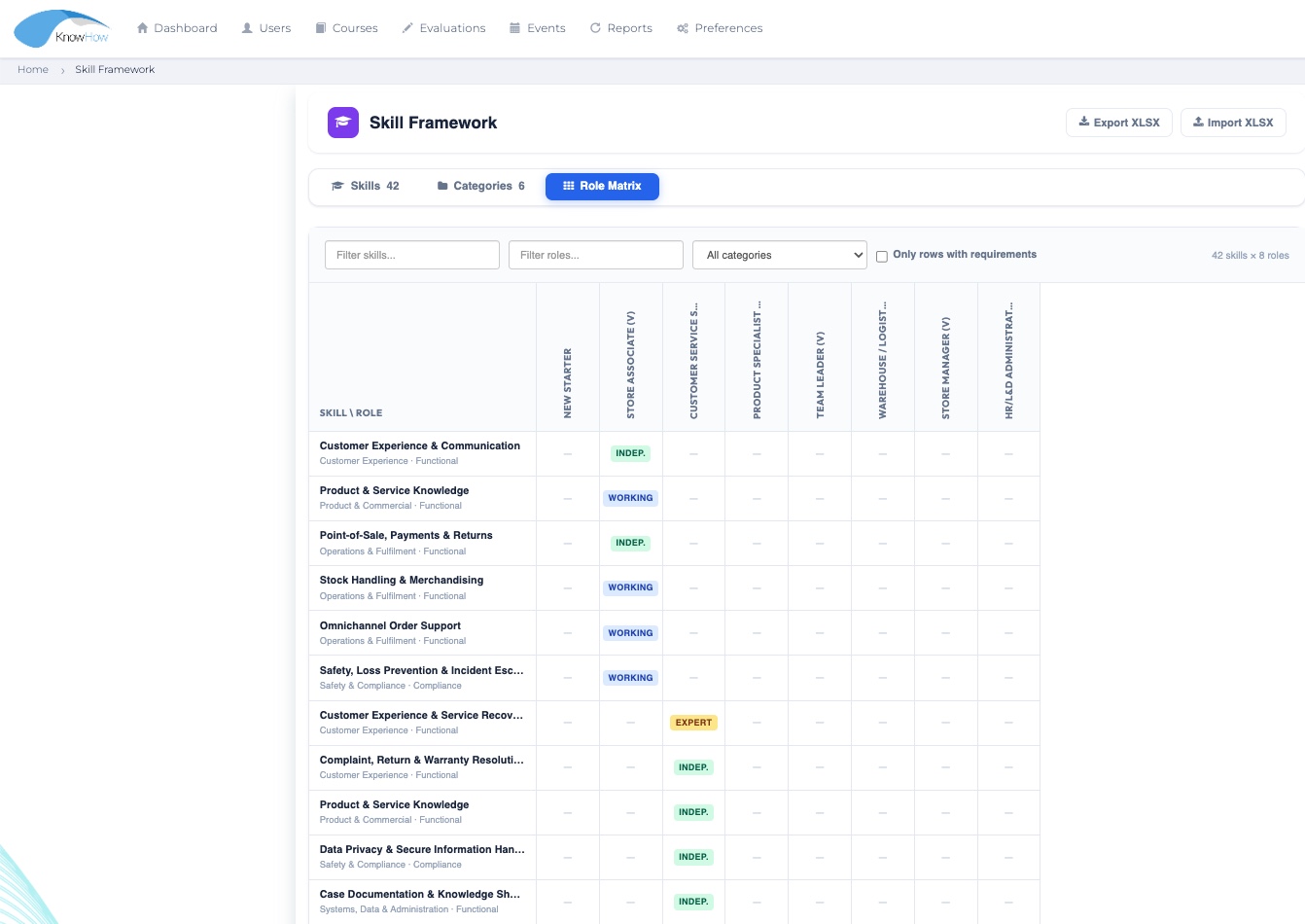
Apply permission profiles and rights so users see the functions and data appropriate to their role and context.
Manage content, users, assignments, workflows, notifications and reporting within the configured operating model.
Add SSO, data exchange or other integrations where they support the operating model.
Organisational structures & user management
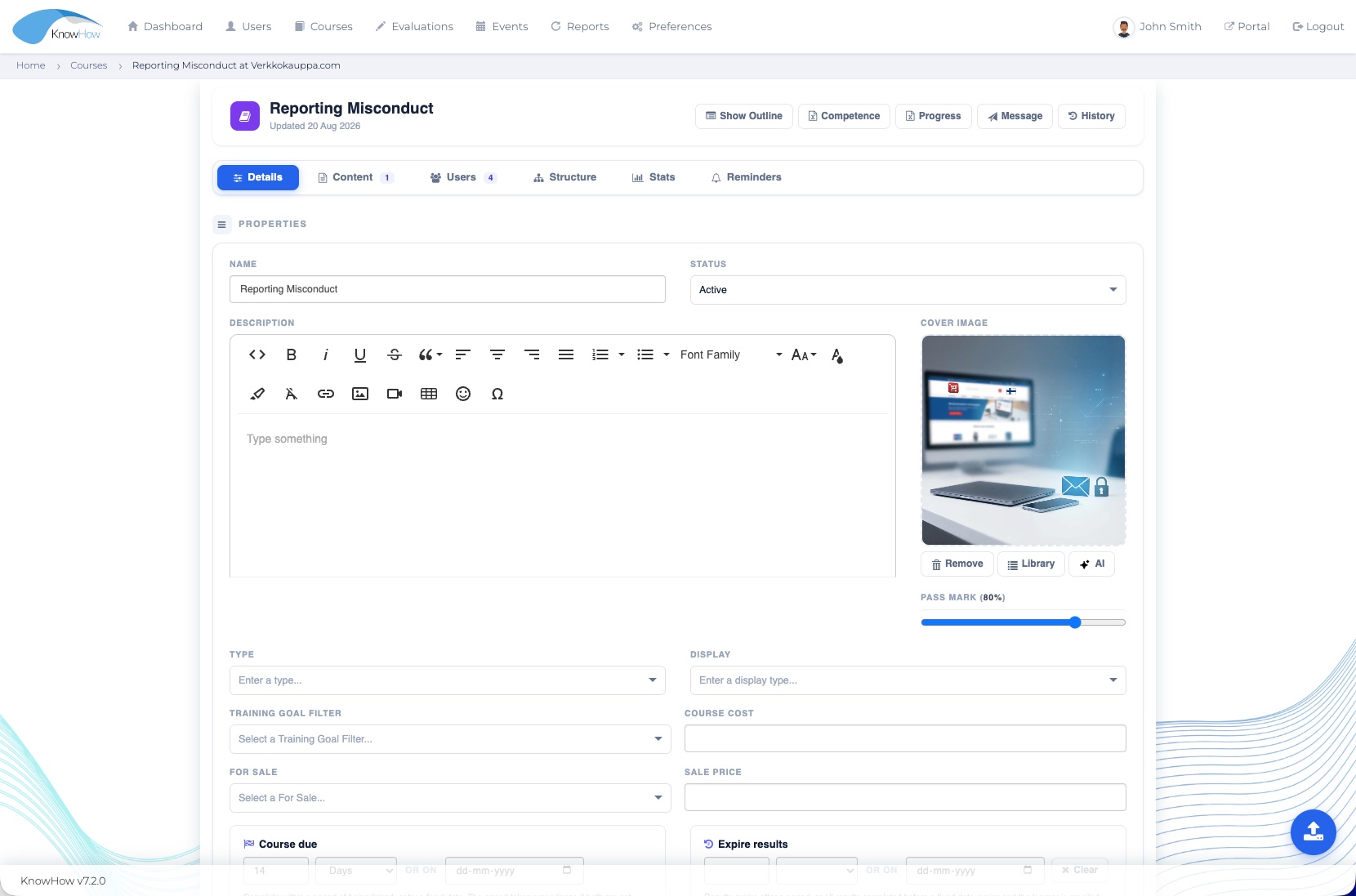
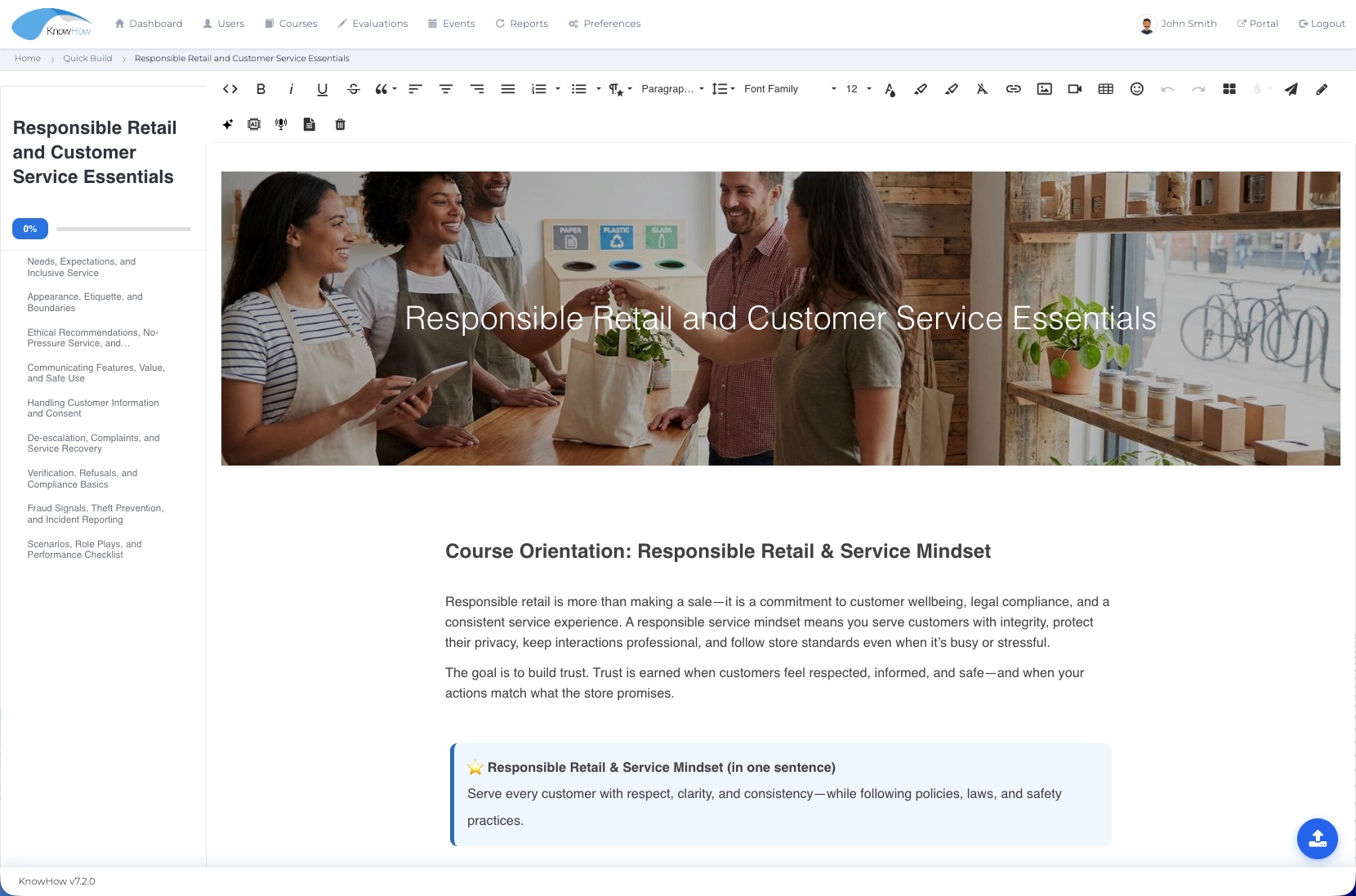
Configure companies, groups, users, roles and custom fields to reflect agreed organisational relationships and administration responsibilities.
Permission profiles & role access
Permission profiles and organisational context can control access to functions and data without exposing the full complexity of the administration environment to every user.
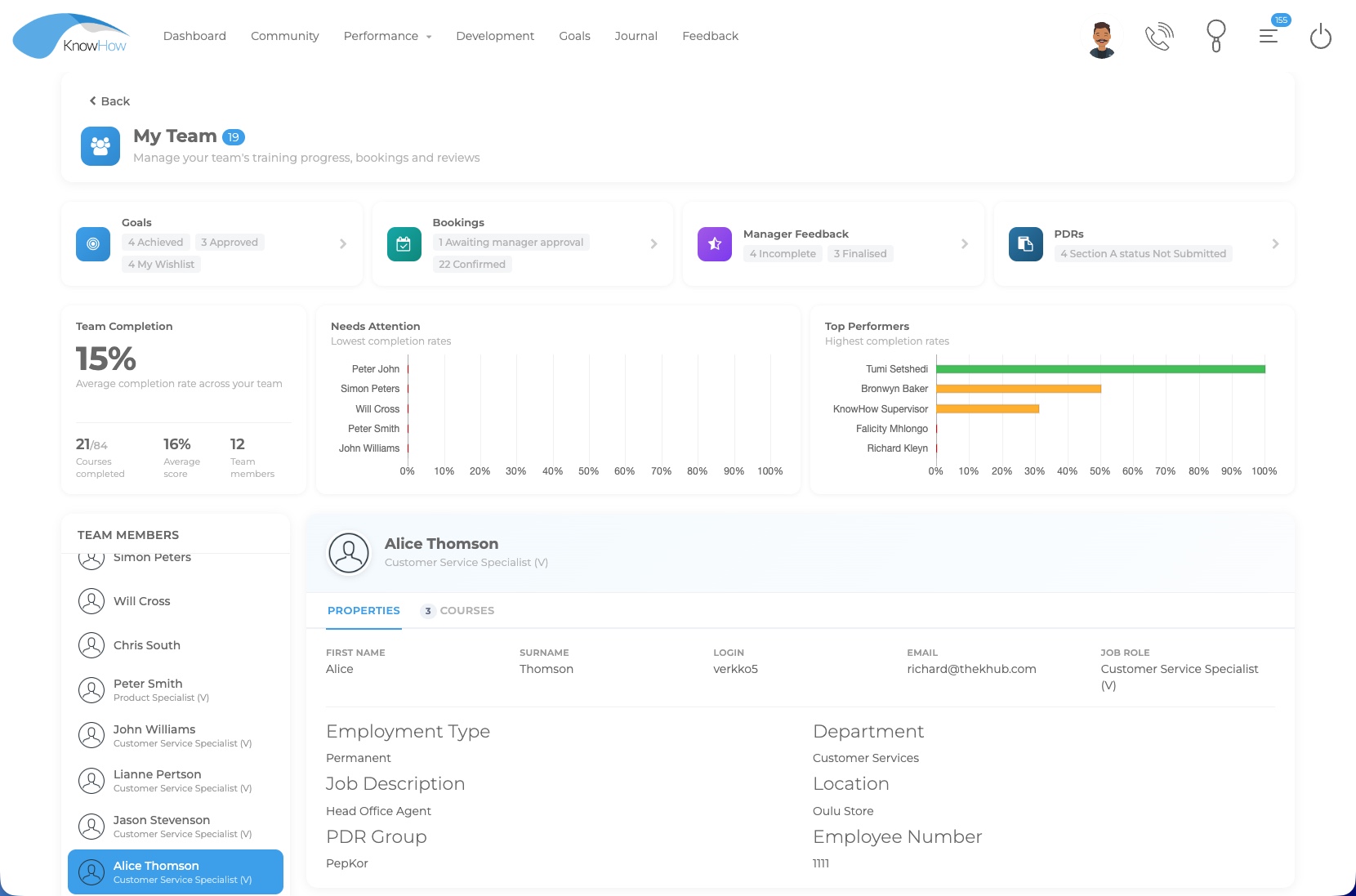
Access personal learning, reviews, events and development activity relevant to the individual journey.
See team activity and take the actions required for people leadership and follow-up.
Coordinate programmes, development processes and organisational visibility relevant to the role.
Configure content, users, workflows, permissions, assignments and reporting within their responsibility.
Receive higher-level visibility appropriate to the configured permission and reporting scope.
Branding & project configuration
Use branding, organisational fields, templates, permissions and workflow settings to shape the experience around the way your organisation works.
Apply agreed visual and project configuration where supported by the implementation scope.
Capture organisational information needed for grouping, workflow context and reporting.
Use assignments, prerequisites, approvals, review phases, reminders and other relevant workflow controls.
Use configured templates and repeatable structures where the process benefits from consistency.
Support reminders and operational communication within the configured workflow and available channels.
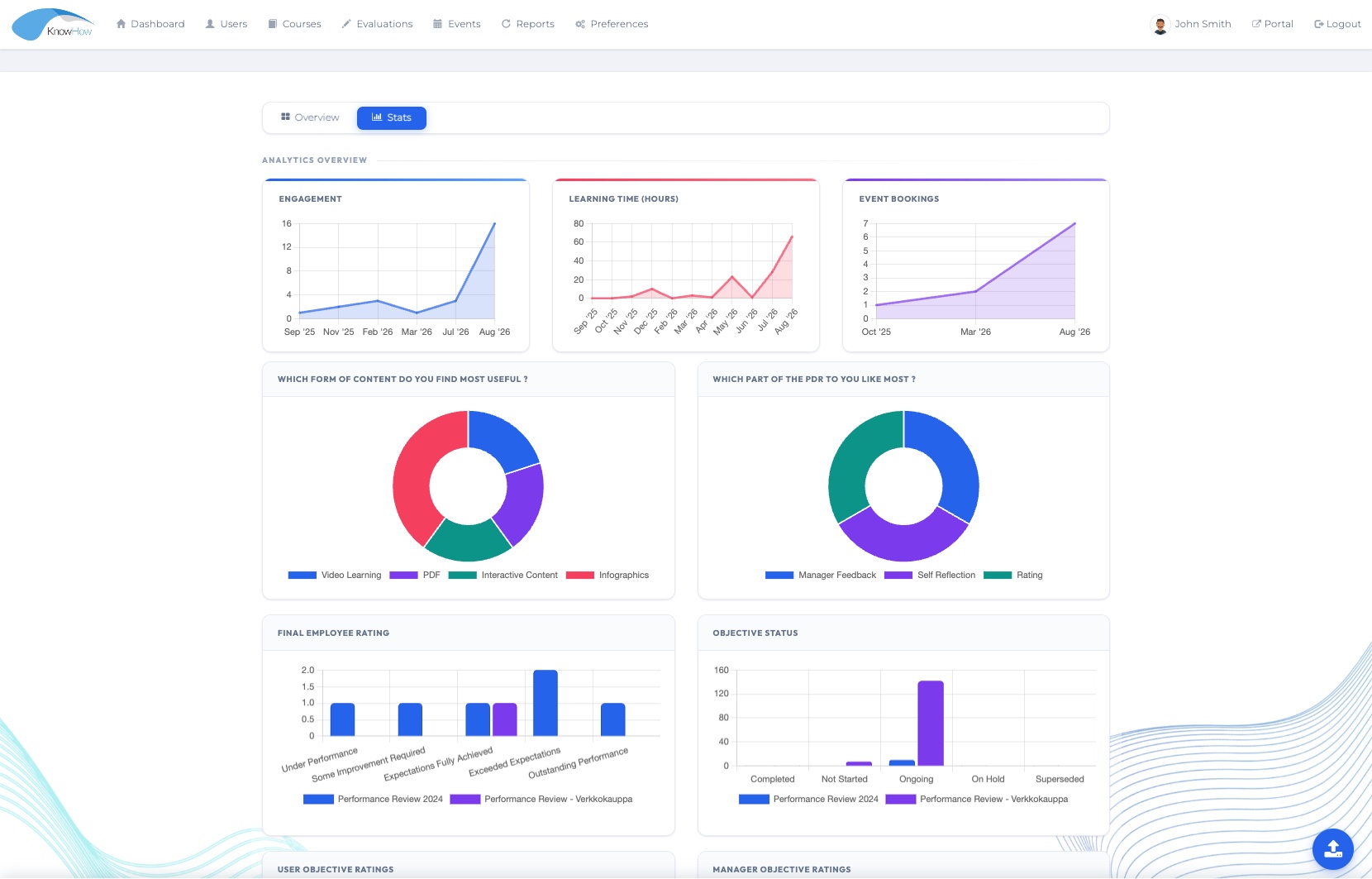
Align organisational structures, permissions and fields so reporting can answer questions in the right context.
CONFIGURED TO FIT Branding, workflow depth and configuration options are aligned to the selected solution and the way it needs to work in your organisation.
Administration in practice
Administrators can manage content, settings, assignments and operational information within the rights available to their role. The same foundation supports the learner and manager experiences without requiring each role to navigate the administration layer.
SSO, data exchange & integrations
Where SSO or data exchange is needed, KnowHow can work with your team to confirm the source systems, data flows and responsibilities. Simpler deployments can stay simple; deeper integrations can be added where they create value.
Support agreed SSO methods and identity requirements where included in the solution scope.
Exchange agreed user, structure or related data through defined methods and ownership responsibilities.
Consider API or reporting-data requirements where the deployment needs controlled exchange with other systems.
Connect event and virtual-delivery workflows to agreed calendar or meeting services where configured.
Clear integration approach. Integration requirements are reviewed with your team so data flows, ownership and support responsibilities are understood from the start.
Standards-based content
KnowHow supports established eLearning standards, with additional interoperability needs reviewed around your environment where required.
Support for SCORM 1.2 learning content.
Support for SCORM 2004 learning content.
Support for xAPI content and agreed learning-experience requirements.
Support for AICC content where required.
ADDITIONAL REQUIREMENTS Additional standards, launch methods or interoperability requirements can be reviewed with your team to confirm the right approach for your environment.
Flexible by design
Start with standard capability and supported configuration; add integrations or separately scoped development only where your requirements call for it.
Functionality available within the relevant licensed platform area, subject to package and deployment confirmation.
Structures, fields, permissions, workflows and related settings adjusted within supported configuration.
Identity, data exchange or service connections can be added where they support the required user or administration experience.
Specialist requirements outside standard or configurable capability can be assessed separately when they are genuinely needed.
A practical starting approach
Getting started does not require every option to be designed upfront. Begin with the capabilities, users and workflows that matter now, then add configuration or integrations as needs evolve.
Start with the capabilities, users and outcomes that matter now.
Set up the selected organisational structures, permissions and workflows.
Add SSO or data exchange where it supports the operating model.
Prepare administrators and support ongoing use as requirements evolve.
A foundation for the wider platform
Organisational structures, permissions and data context help Learning, Performance, Skills and Reporting work as one platform rather than disconnected modules.
LEARN
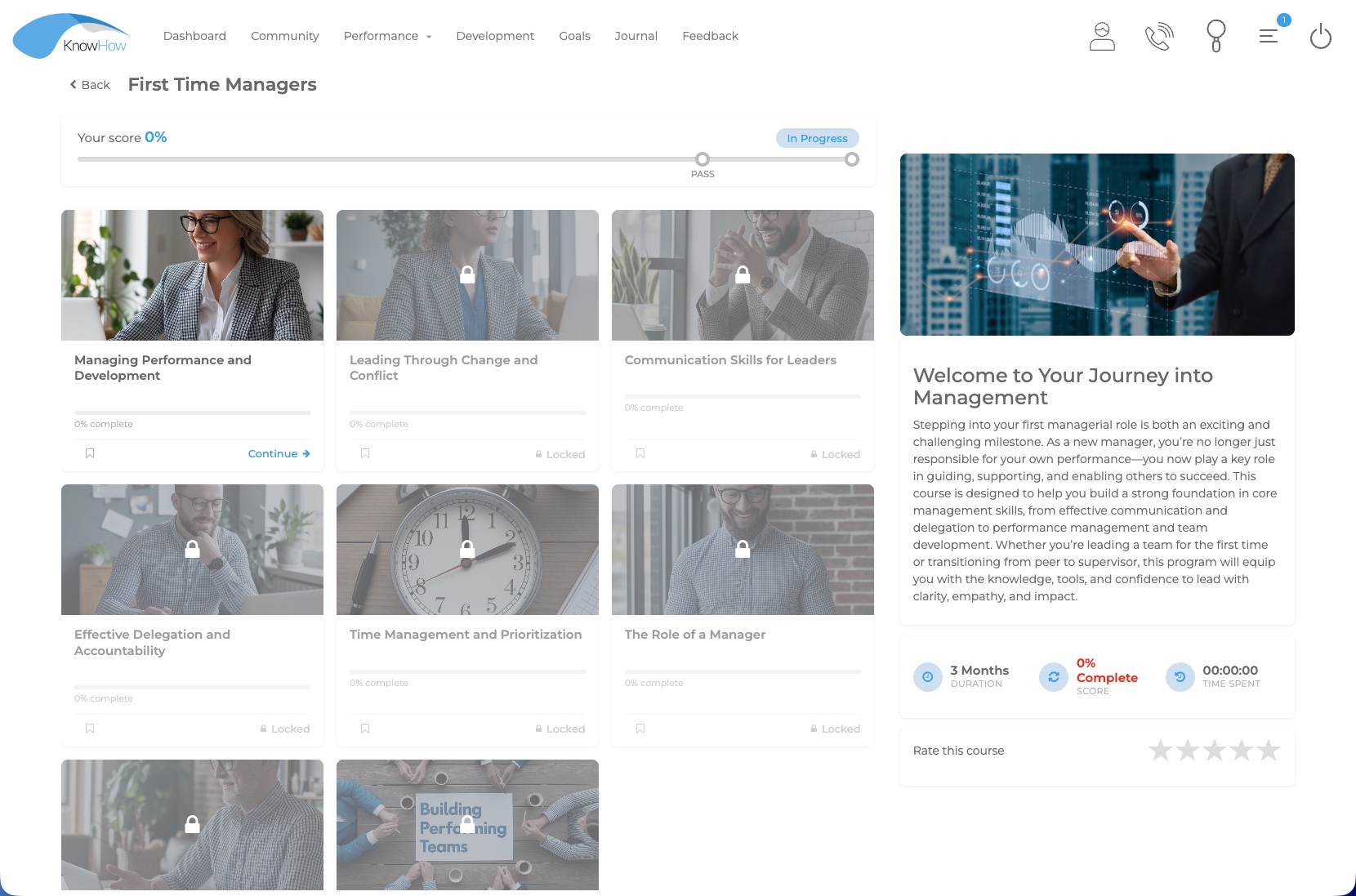
Assignments, learner groups, prerequisites and reporting use the shared organisational context.
Explore Learning →ROLE EXPERIENCE
Role access and reporting lines shape the actions and information available to managers.
Explore role experiences →UNDERSTAND
Configured structures, fields and permissions provide the context needed for useful organisational visibility.
Explore Insight →Clear implementation choices
A practical starting point
Show us the structures, workflows or integrations that matter to your organisation. We’ll focus the conversation on the simplest practical starting point.