Slow first drafts
Subject matter expertise still has to be turned into clear, structured learning before authors can begin refining it.

Platform capability / AI-Assisted Content Creation
KnowHow uses AI to assist authorised administrators with creating new courses, converting existing documents and adapting content into different learning formats while keeping review, refinement and publication decisions in human hands.
The content challenge
Course authors often need to move from a blank page to structured learning quickly while still protecting quality, relevance and organisational control.
Subject matter expertise still has to be turned into clear, structured learning before authors can begin refining it.
Formatting, structuring and creating supporting learning elements can consume time better spent on quality and relevance.
AI assistance is most useful when authorised people can review, edit and decide what is ultimately published.
AI-assisted, human-controlled
KnowHow brings AI assistance into a practical authoring journey that can start from an idea or existing source content and finish with an editable, reviewed learning experience.
Start with an instruction, learning need or subject-matter idea and build a structured course starting point.
Turn existing Word, PDF or PowerPoint source material into an editable course based on the supplied content.
Support the course with imagery, quizzes, translations and alternative learning formats.
Give learners options to read, listen or follow transcripted audio where the format is used.
Authorised people check, edit and decide when the final learning content is ready to publish.
Quick Builder
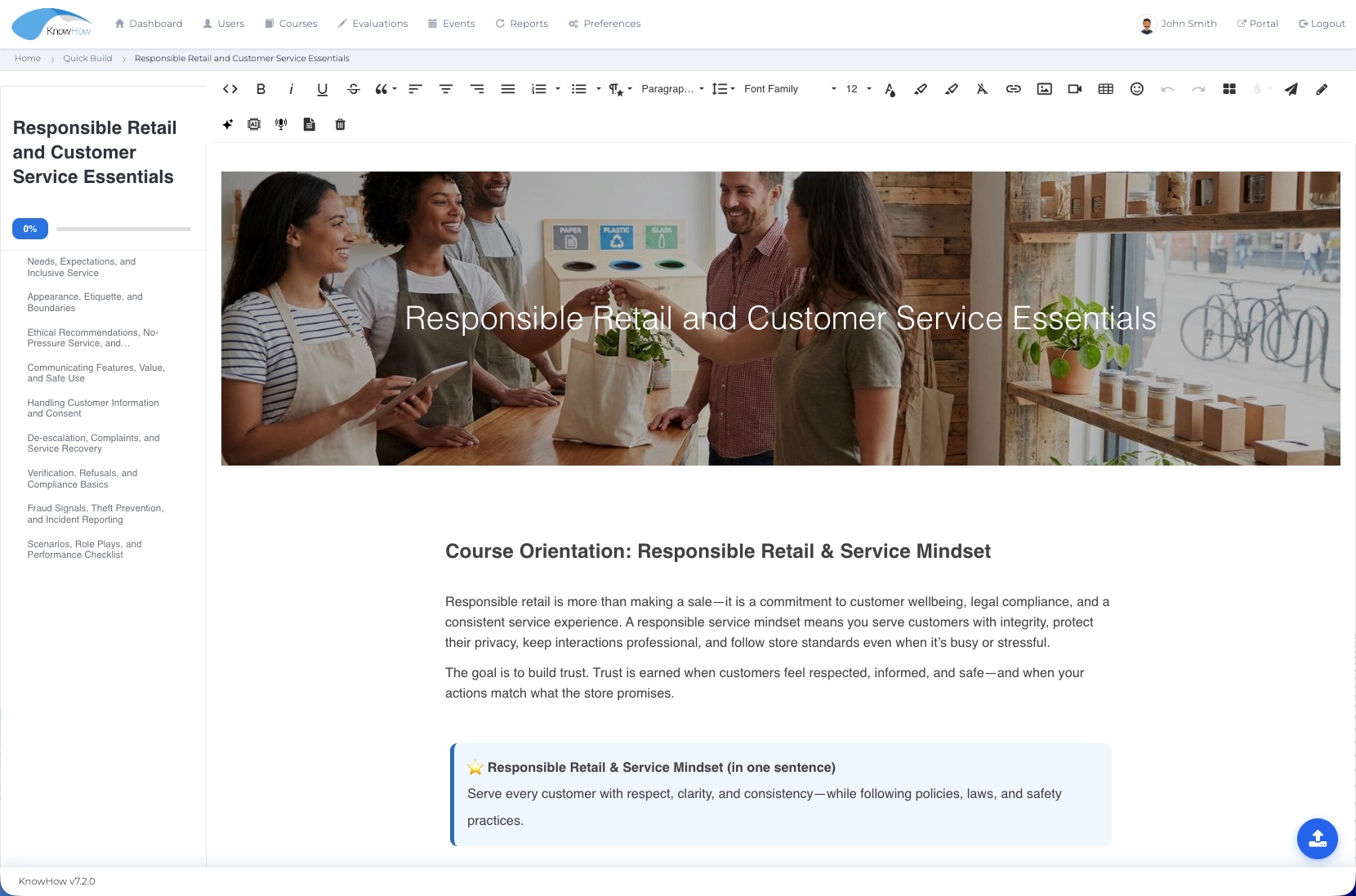
Quick Builder gives administrators a familiar authoring environment where AI-assisted content can be created, converted, reviewed and shaped alongside the platform’s normal editing tools.
Document-to-course conversion
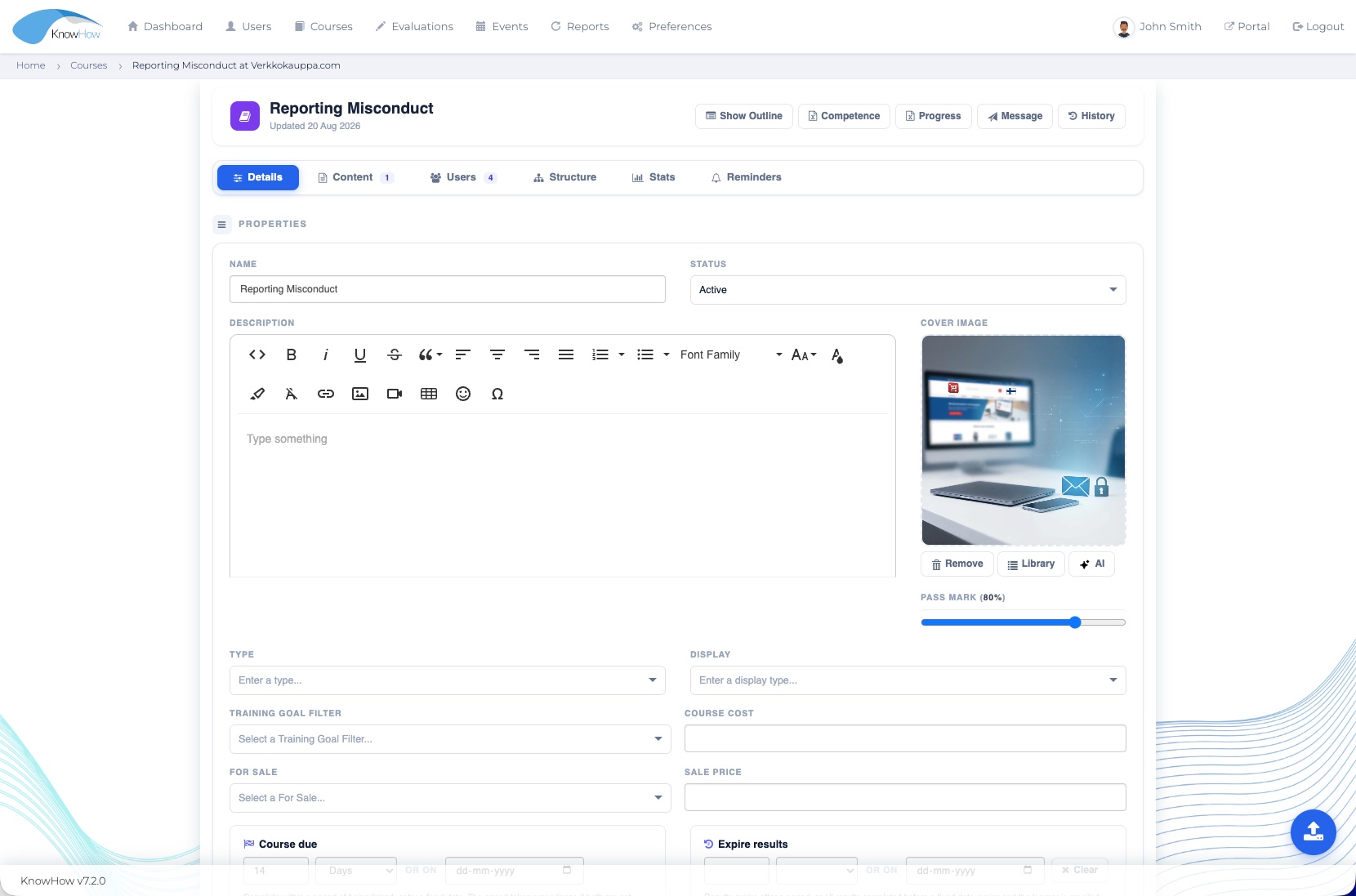
Administrators can upload existing source documents and use AI-assisted conversion to create an editable KnowHow course based on that material. Instead of rebuilding the source manually, the converted result becomes a starting point that can be reviewed and refined in Quick Builder.
Human control by design
The value of AI assistance is not automatic publishing. KnowHow keeps authors and administrators in the review and editing loop so generated content can be checked against the organisation’s own requirements.
Review before publishGenerated content remains subject to authorised human review.
Edit freelyAuthors can revise wording, structure and presentation in the course editor.
Retain responsibilityThe organisation remains responsible for what is approved and delivered to learners.
Where AI can assist
AI assistance can reduce manual authoring effort across creation, conversion and adaptation while authorised people retain responsibility for quality and publication.
CONTENT CREATION
Start from an instruction, learning need or source information and use AI assistance to create a structured course starting point.
DOCUMENT CONVERSION
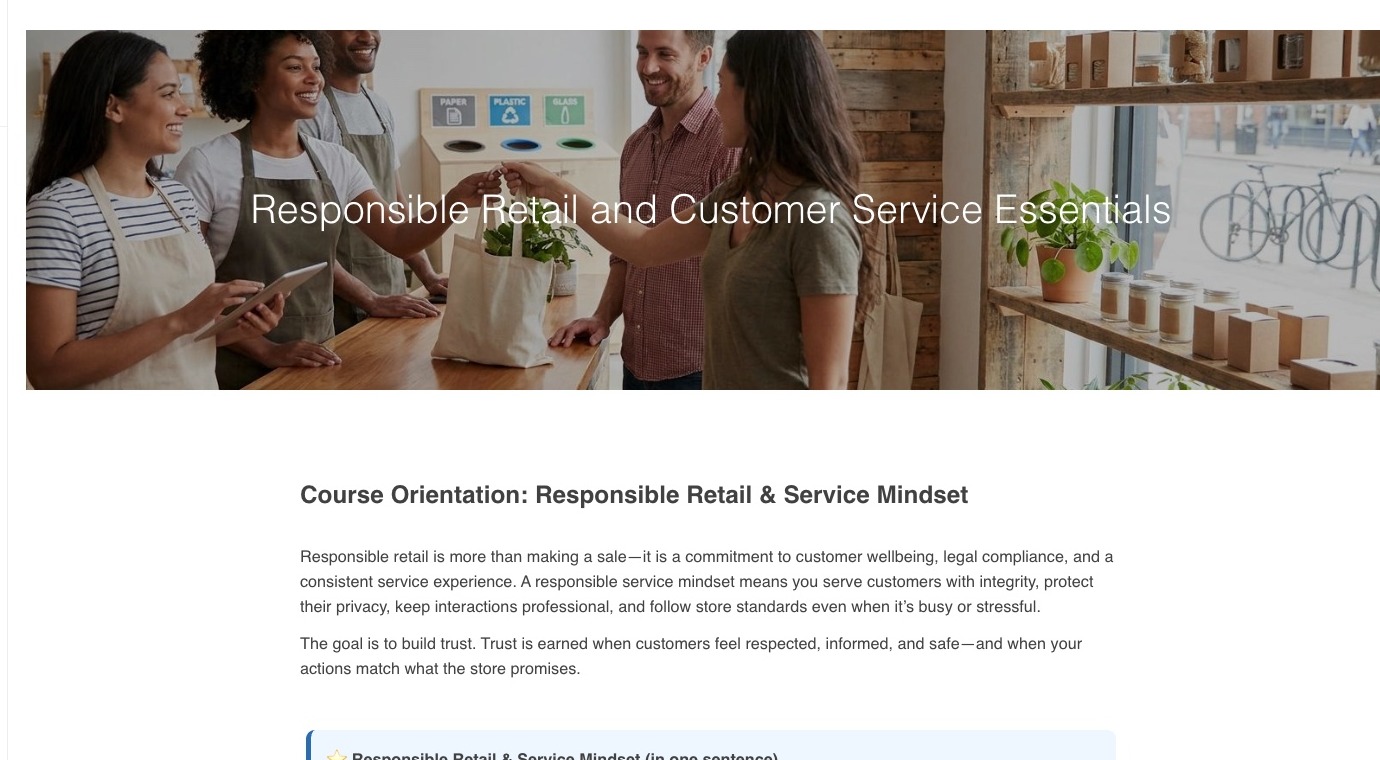
Upload Word, PDF or PowerPoint source material and create an editable course based on the content already available.
AI IMAGERY
Use AI-assisted image generation to support the course where visual material is needed, with the author retaining control over what is selected and used.
ASSESSMENT SUPPORT
Use AI-assisted tools to help create quiz and assessment questions that can then be reviewed and edited by the author.
TRANSLATION & ADAPTATION
Use AI assistance for translation and alternative content formats, followed by organisational review before learner delivery.
AUDIO & BITE-SIZED FORMATS
Course content can be adapted into AI-generated podcast/audio experiences and bite-sized formats, helping organisations reuse the same learning in different ways.
More choice in how learning is consumed
KnowHow can use course content to create an AI-generated podcast experience. Transcription can place the spoken content on screen while the learner listens, giving people more choice in how they engage with the same material.
This expands learner choice and can support different learning preferences and situations without changing the organisation’s responsibility for the accuracy of the source content.
Illustrative example of an AI-assisted audio learning format.
Edit in context
Created and converted content stays inside the normal course-building workflow so authors can continue shaping the structure, wording, media and learning experience before publication.
Change the sequence, hierarchy and learning flow.
Adjust wording, tone and examples for the intended audience.
Use normal authoring tools and AI-assisted imagery where appropriate.
Check the final learning content against organisational expectations.
Responsible use
KnowHow’s approach is simple: AI-assisted, human-controlled. Access, data handling and review expectations should be agreed for the organisation and implementation.
Use AI-assisted functionality within the roles and permissions agreed for the implementation.
Generated content should be reviewed before it is approved for learner use.
Apply agreed organisational controls to the information used with AI-assisted features.
Set expectations, controls and user training around the way AI will be used.
Content in context
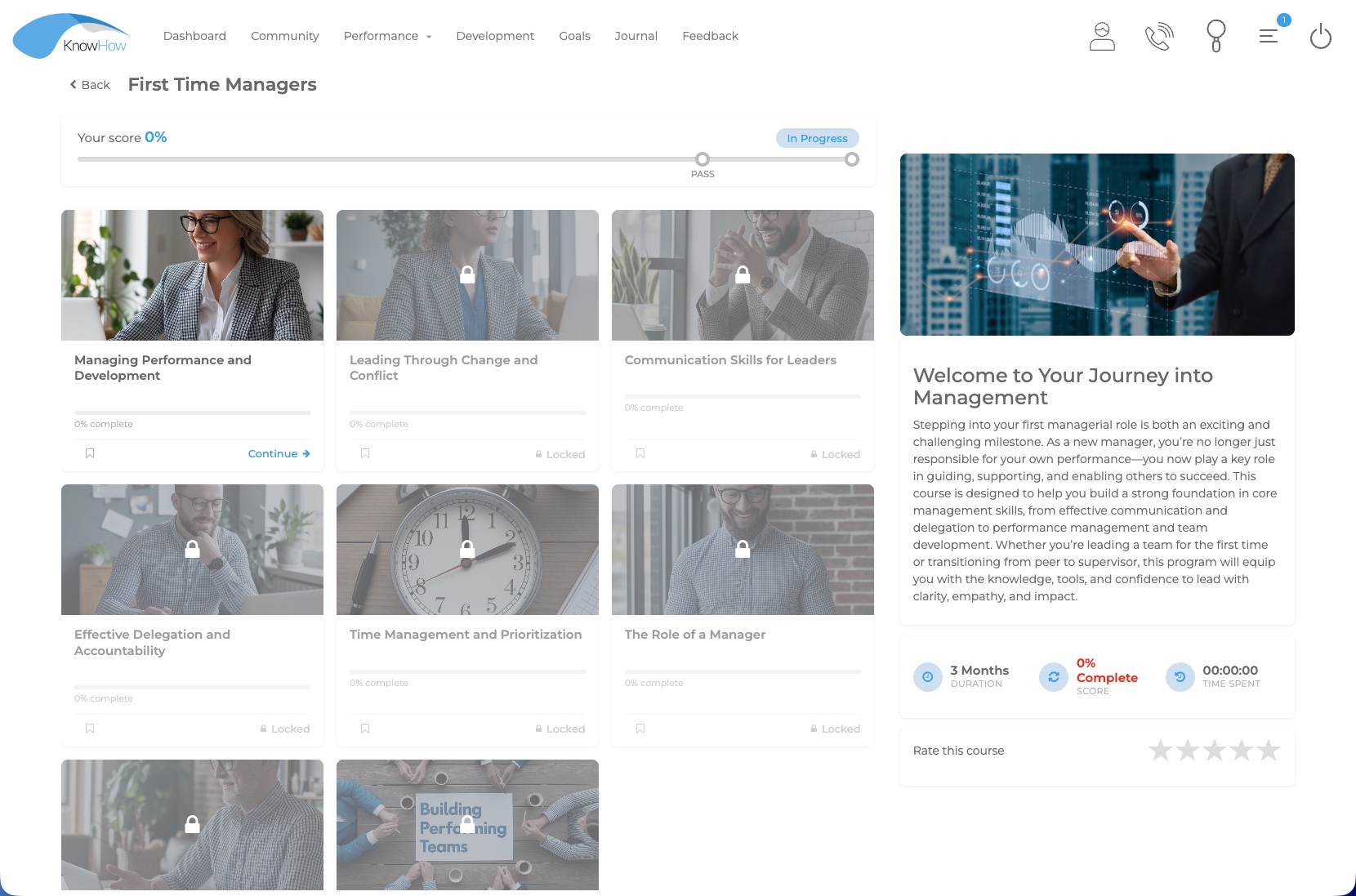
Created content can sit within the same platform used to organise learning, assess understanding and report on participation and completion.
LEARN
Place created content into courses, Learning Paths and required learning journeys.
Explore Learning →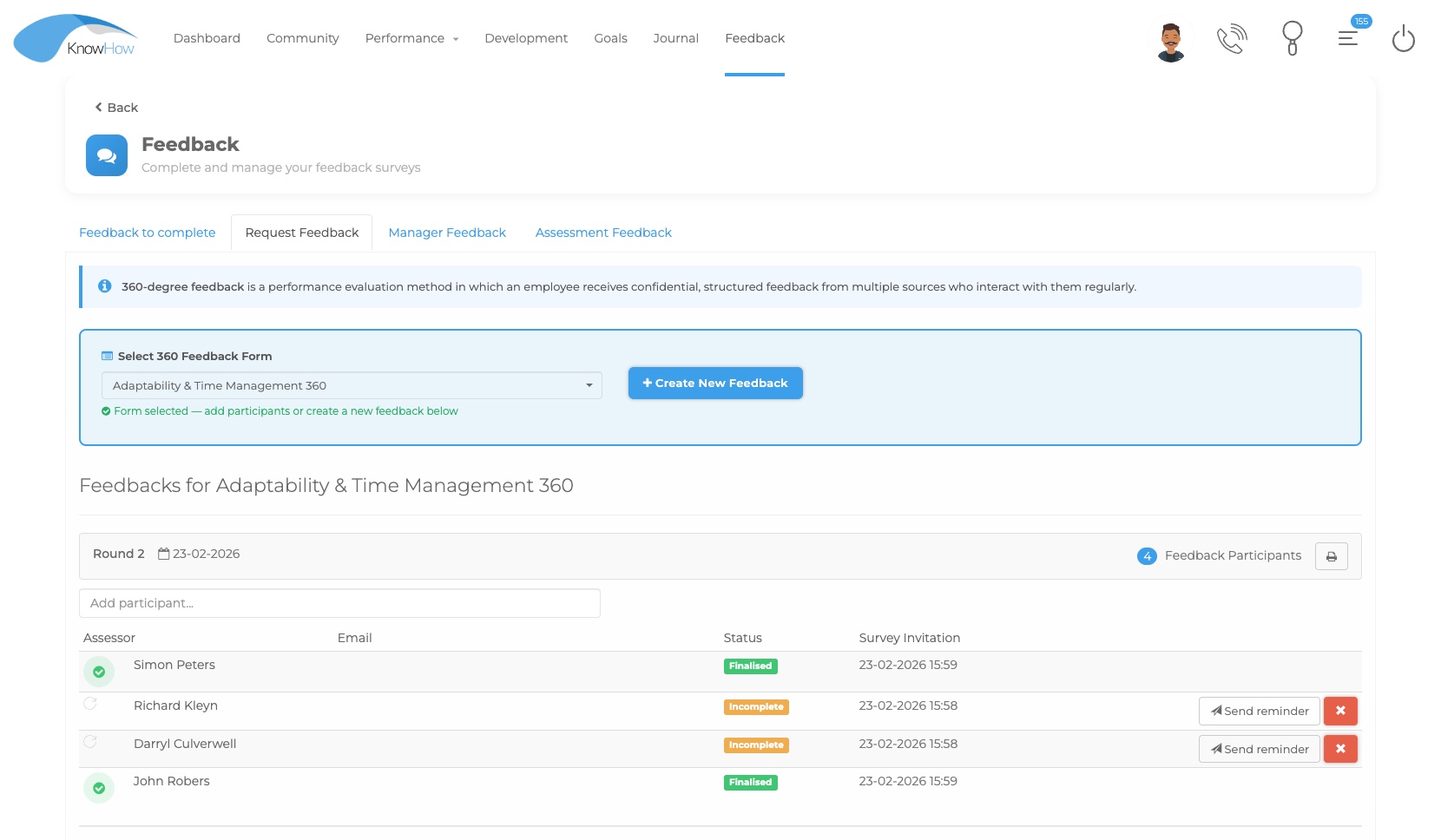
CHECK
Connect learning content with assessments, evaluations and feedback activities.
Explore Evaluations →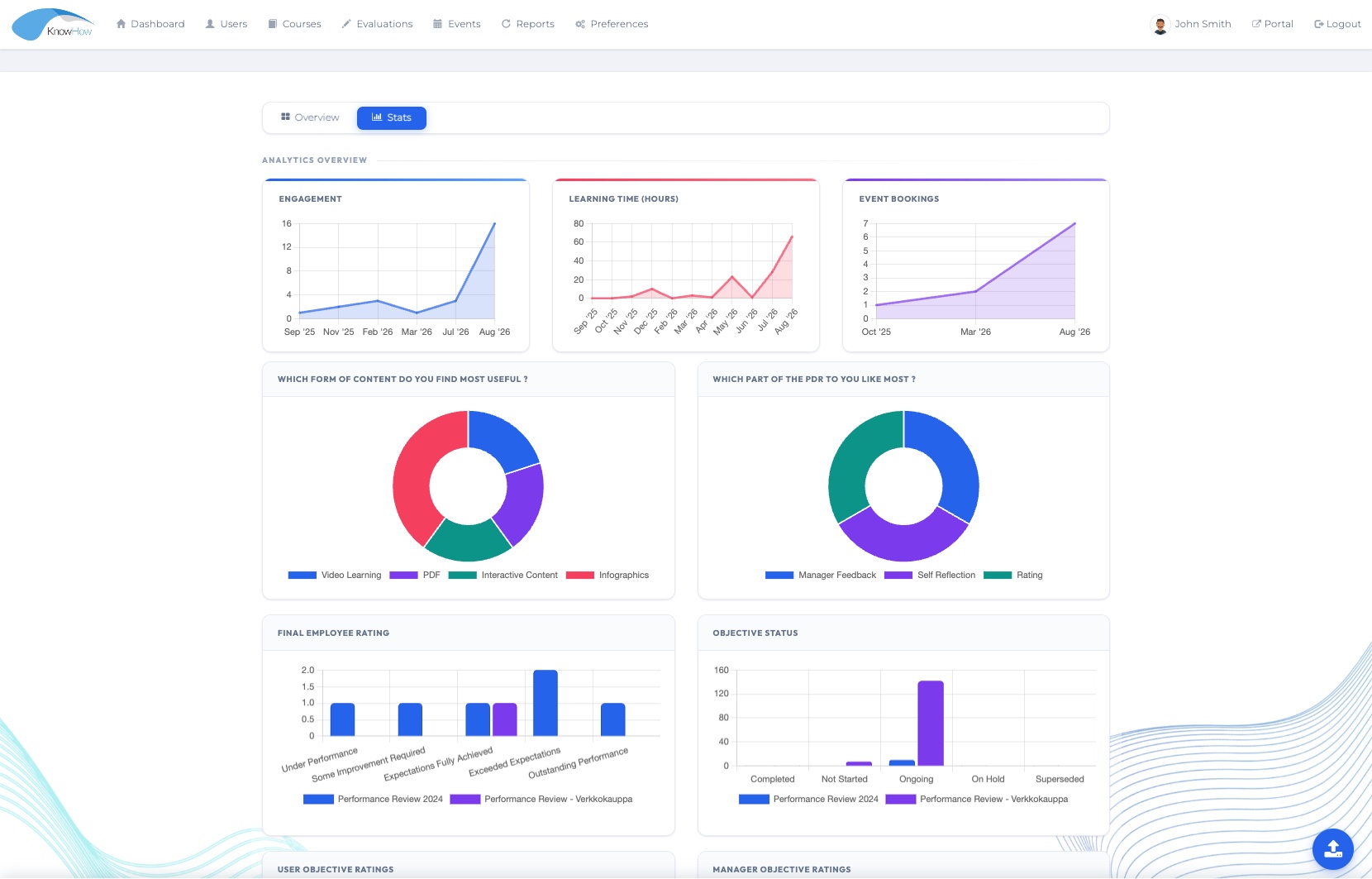
UNDERSTAND
Follow learning participation and completion in the broader development context.
Explore Insight →Designed for practical adoption
See AI-Assisted Content Creation in your context
We’ll tailor the demonstration around your authoring workflow, source-document conversion, alternative content formats, review requirements and wider Learning Management environment.