Different outcomes
Testing knowledge, gathering opinion and assessing competence require different response and evidence structures.

Platform capability / Evaluations & Assessments
KnowHow supports knowledge, opinion, feedback, moderated and competency-oriented evaluation activity — independently or connected to courses, performance reviews, events and other development processes.
The evaluation challenge
A single quiz or survey format cannot cover every learning, feedback, moderation or competency requirement. KnowHow provides a broader Evaluation Suite so the approach can match the purpose.
Testing knowledge, gathering opinion and assessing competence require different response and evidence structures.
Some evaluations are completed by learners, others by peers, managers, moderators or assessors according to the configured process.
A score, opinion, moderated answer or competency judgement can each lead to a different next action.
The Evaluation Suite
Choose the evaluation structure that fits the purpose, participant model and evidence required. Evaluations can operate independently or within a wider learning, performance, event or development workflow.
ASSESS KNOWLEDGE
Test understanding and knowledge after or within learning.
LISTEN
Collect feedback on courses, facilitators, events or wider organisational topics.
MULTIPLE PERSPECTIVES
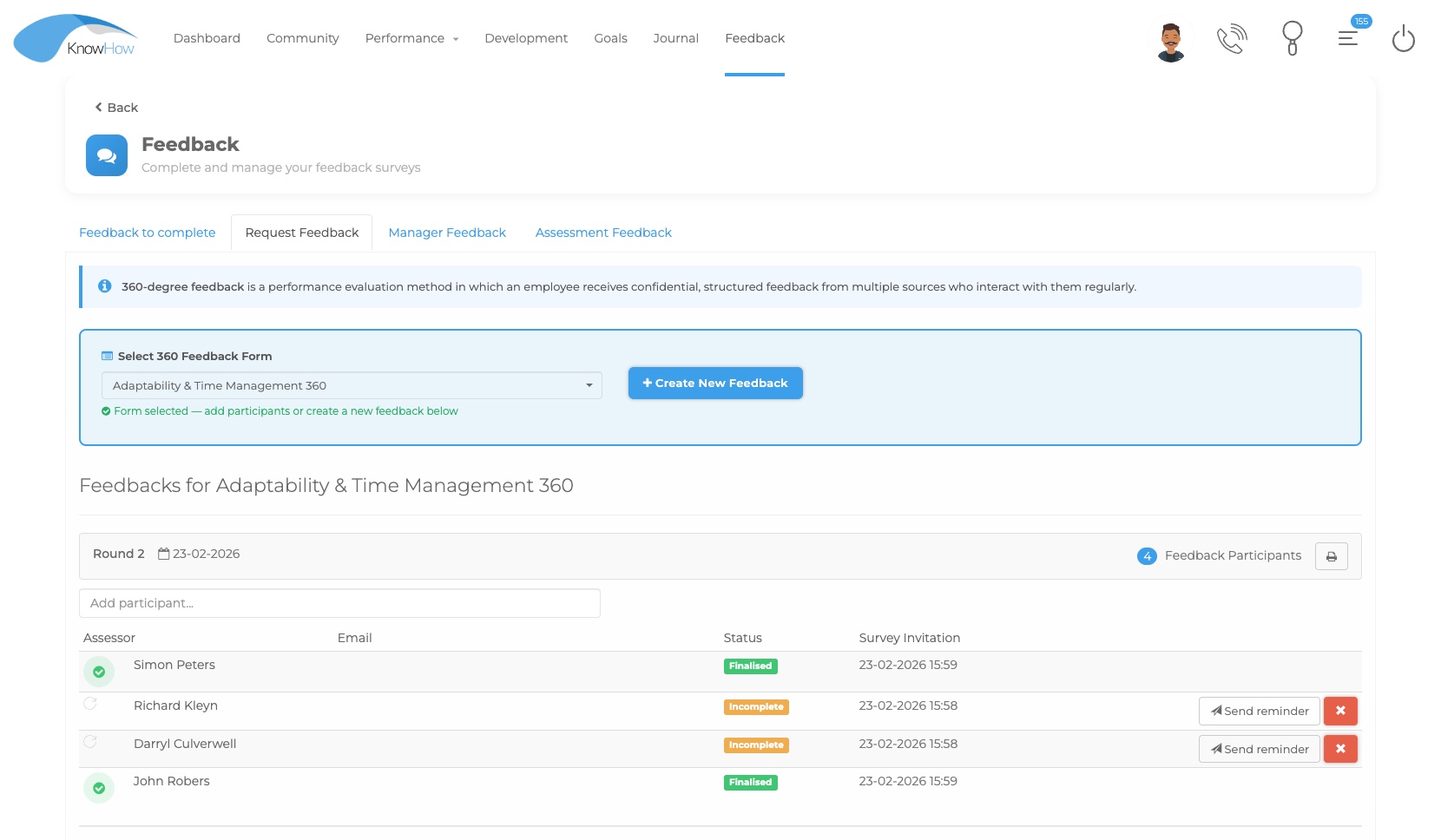
Collect feedback from selected colleagues about an individual.
MANAGER-LED
Allow a manager or authorised role to select the person being assessed and the assessors.
HUMAN REVIEW
Combine automated questions with free-text or evidence responses requiring human review.
COMBINE
Present questions from more than one evaluation in a combined assessment.
ASSESS COMPETENCE
Capture evidence and assessment of practical or role-related competence.
A connected evaluation journey
The evaluation type can change, but the wider process remains connected to the learning or development activity around it.
Select the evaluation type and configure the questions, participants and controls.
Place the evaluation independently or within the relevant course, event or development workflow.
Learners, colleagues, managers, moderators or assessors participate according to the configured process.
Score, moderate, interpret or consolidate responses according to the evaluation design.
Use outcomes to support learning, development, programme improvement or reporting.
The evaluation experience
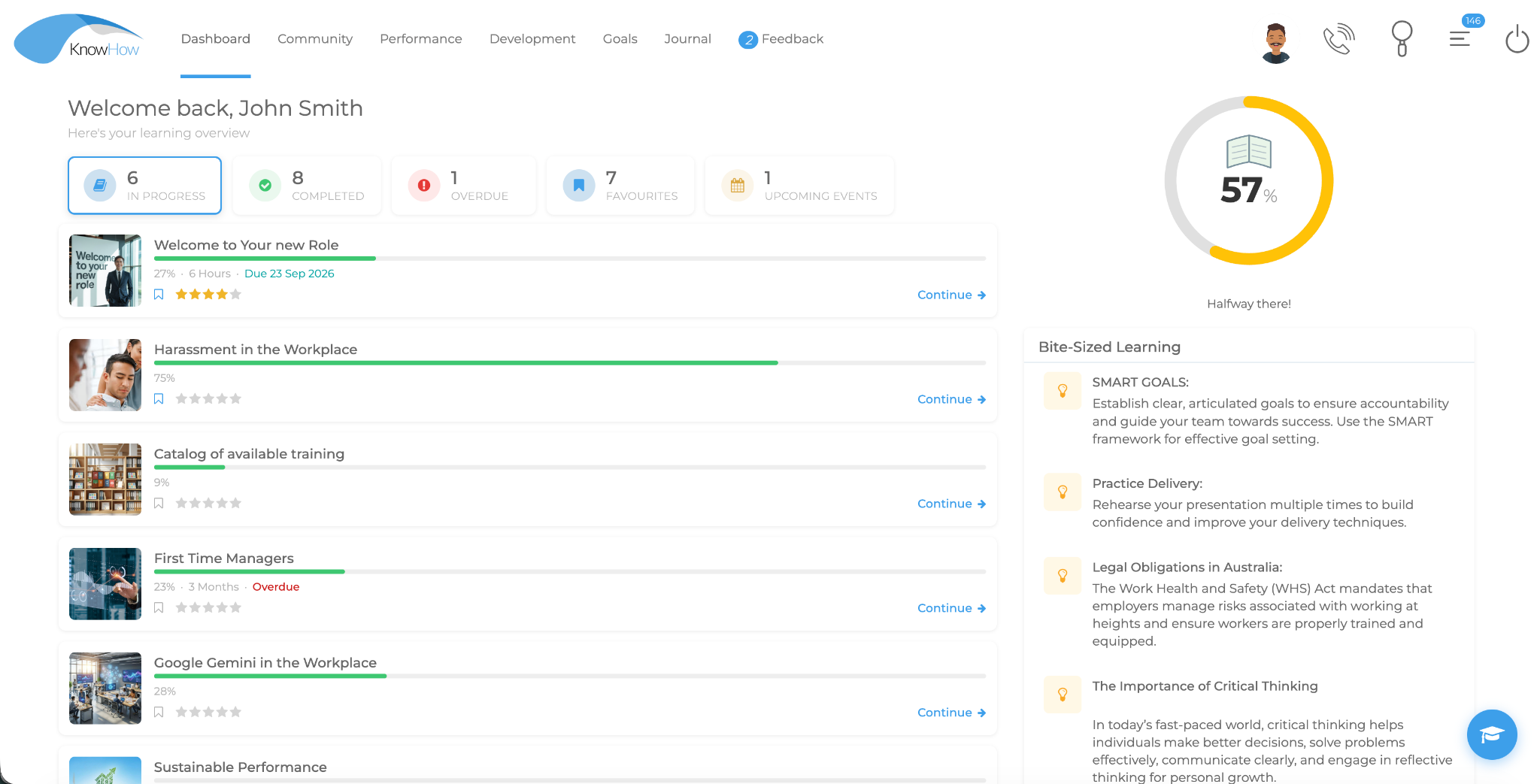
KnowHow can present evaluation activity within the wider learner journey so assessment, feedback and moderation remain connected to the context that generated them.
Assessment controls & learner feedback
Evaluation design extends beyond the question itself. KnowHow provides configurable controls around question selection, timing, attempts, scoring, feedback and completion.
Use question banks and randomised question selection according to the assessment design.
Configure schedules, availability windows, pass marks and expiry where required.
Track attempts, score, duration and time-stamp information according to the assessment design.
Provide question-specific feedback and configurable completion messaging.
Insert questions into video at selected points to encourage attention and understanding.
Generate assessment questions from selected content, subject to administrator review.
Moderated Assessment
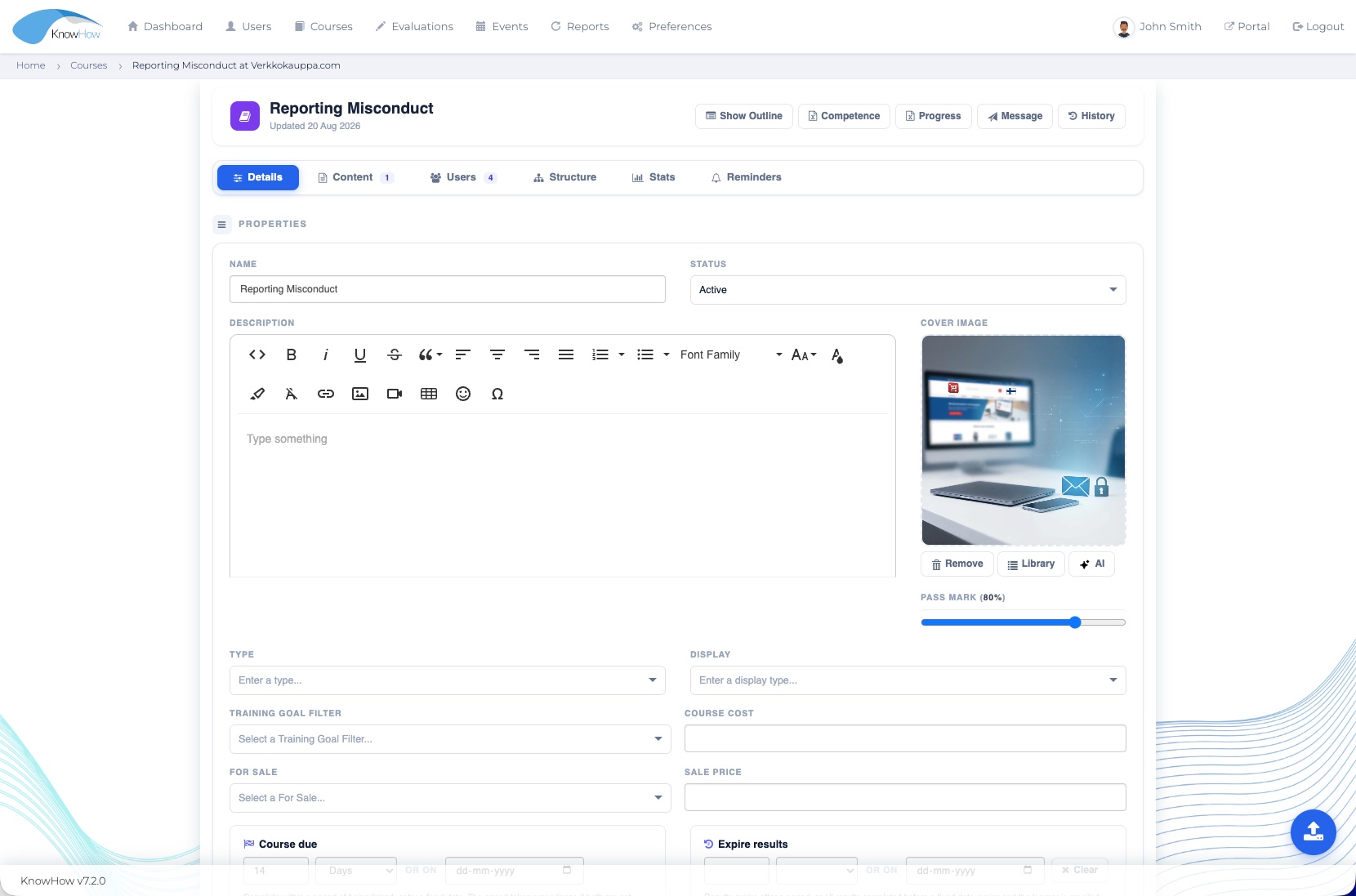
Moderated Assessments can combine automated questions with free-text or evidence responses that require a person to review the learner’s submission.
Assign a moderatorRoute human-review activity to an authorised moderator.
Mark and commentReview free-text or evidence responses and capture moderator feedback.
Handle the resultUse the configured process to complete result handling and follow-up.
From response to follow-up
The result can inform different actions depending on the evaluation type and configured process.
Use knowledge-assessment outcomes to support further learning where appropriate.
Use Opinion Survey feedback to understand courses, facilitators, events or wider organisational topics.
Use 360-degree or competency inputs within configured development processes.
Bring assessment and feedback information into relevant reporting and organisational views.
Results in context
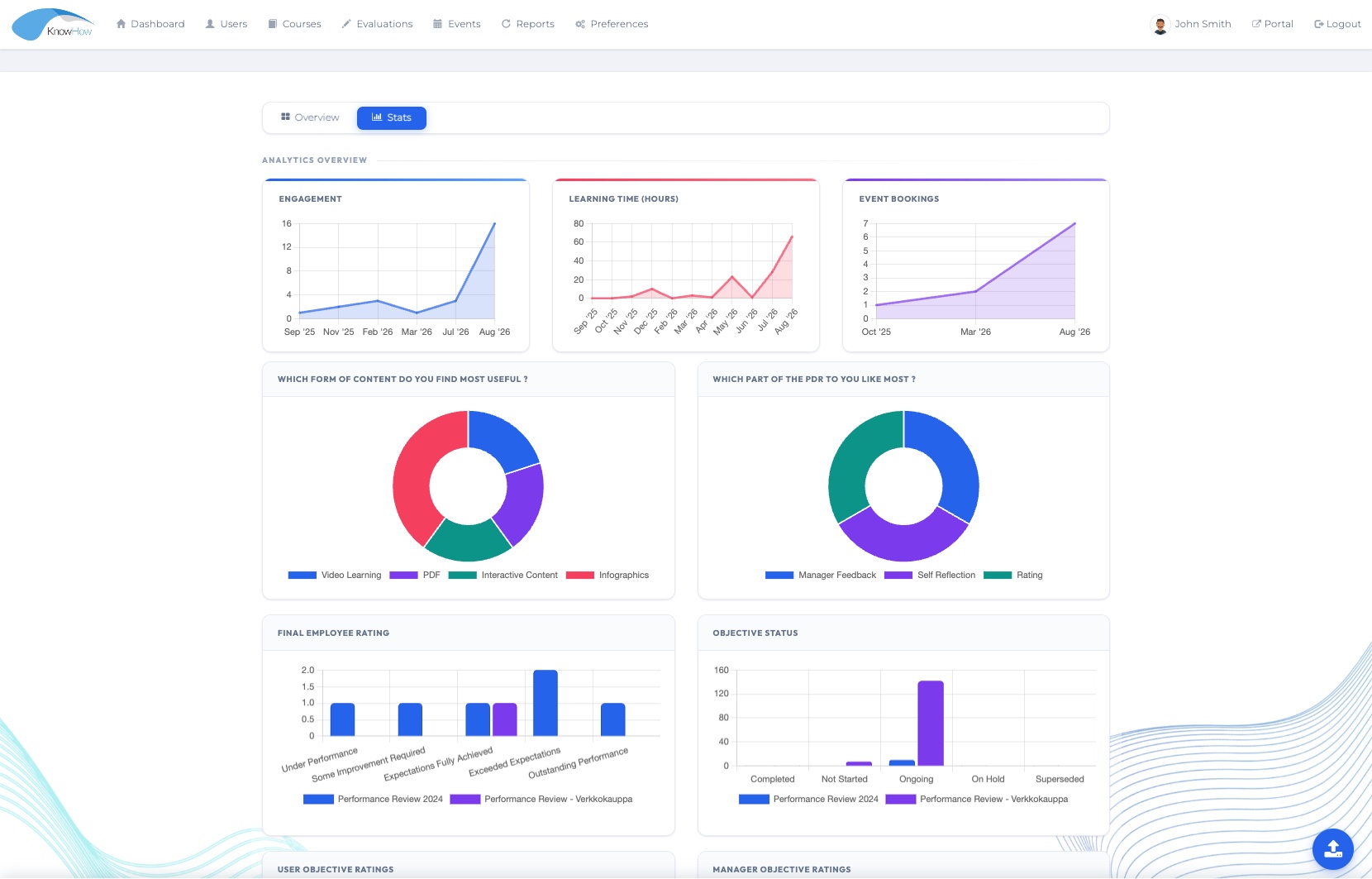
Reporting can bring assessment, survey, feedback and result information into the wider organisational picture so relevant stakeholders can interpret outcomes in context.
Evaluation in context
Evaluations can be used independently or connected to learning, performance reviews, events and other development processes.
LEARN
Use Knowledge Assessments and other evaluation activity within structured learning journeys.
Explore Learning →PERFORM
Use configured 360-degree feedback and broader inputs within development processes.
Explore Performance →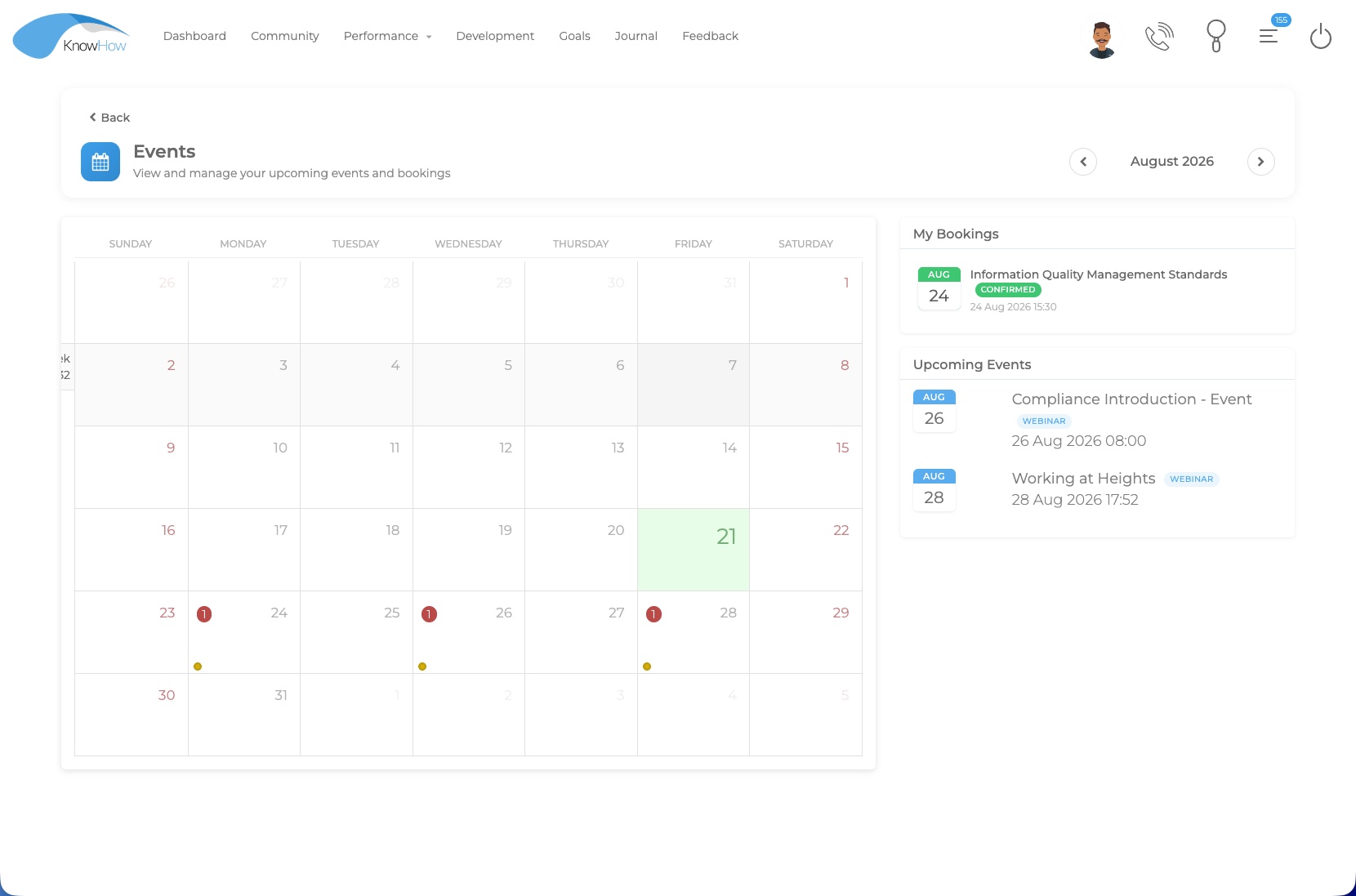
CONNECT
Use assessments or Opinion Surveys before or after live, virtual and blended activity.
Explore Events →Designed for practical evaluation
See the Evaluation Suite in your context
We’ll tailor the demonstration around your evaluation types, participant model, assessment controls, moderation and reporting requirements.